
Site app
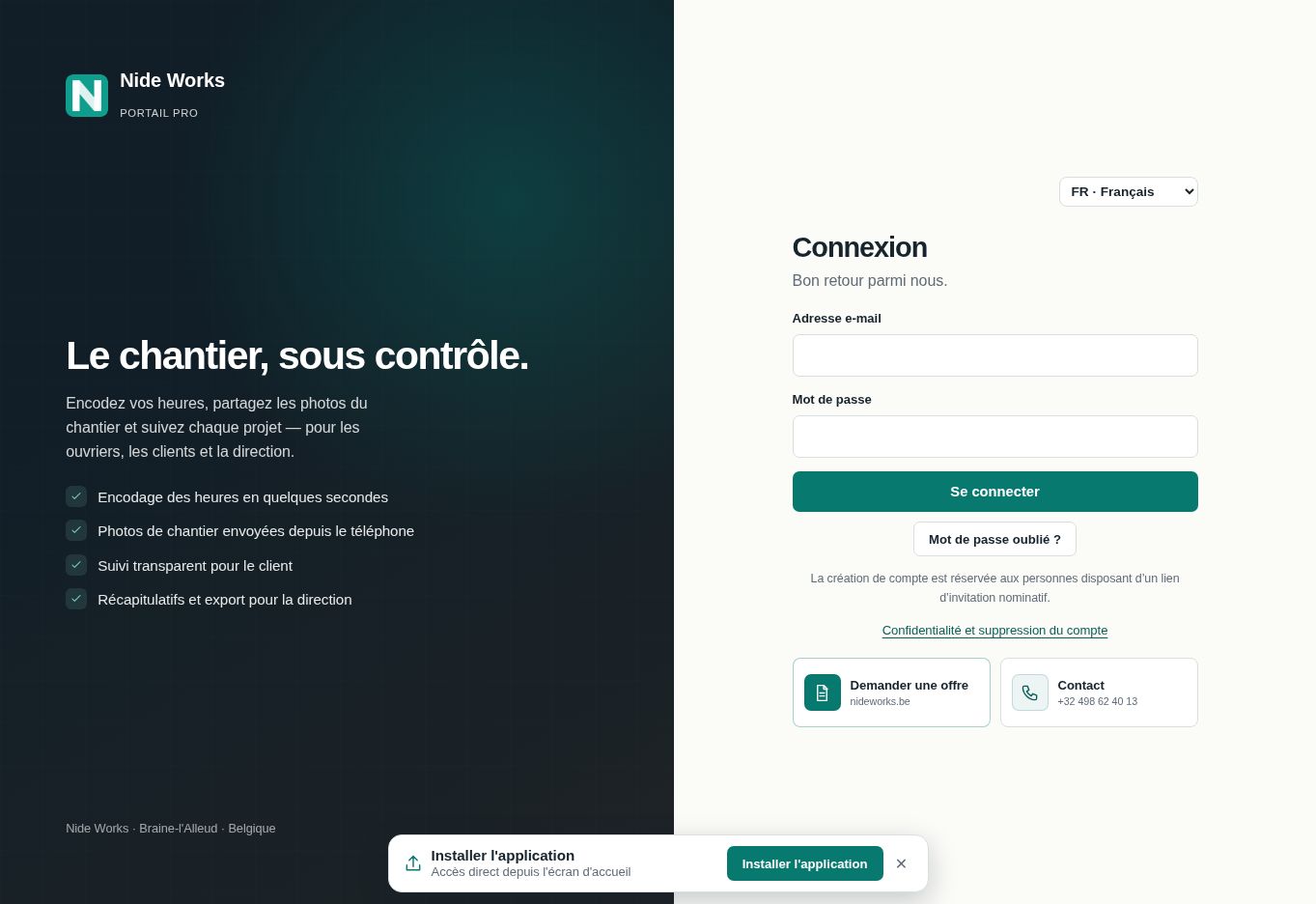
The Nide Works app, on your phone
Actual hours, site photos and approvals: individual accounts for teams, clients and management. Available on Google Play and in your browser. Business data requires a connection.
Interface available offline
Data · connection required
Secure login · private data
Android
- Open the official Nide Works listing on Google Play.
- Install the app, then open Nide Works.
- Sign in with your invited personal account.
iPhone / iPad
- Open the app in Safari (button above).
- Tap Share then “Add to Home Screen”.
- Tap “Add” — the icon appears on your home screen.
Need help? info@nideworks.be